

Products Used in This Guide
Everything in Beltic is built around the Workflow API. A workflow is a pipeline of verification blocks — document checks, liveness, sanctions screening, business lookups — that you configure once and trigger with a single API call. Credentialing is one of those blocks. Add acredential_issue block to your workflow and Beltic automatically mints a signed JWT from the verified output. That credential travels with the user from onboarding through every future transaction — no re-verification needed.
If you already have your own verification process, you can skip the workflow and call the Credentials API directly. Send Beltic the data you’ve collected and it wraps it in a signed, portable credential. Same trust layer, without changing your existing pipeline.
This guide uses both — the Workflow API at onboarding to verify and credentialise in one call, and the Credentials API at transaction time to verify the credential against the payment context.
The Setup
You’re a developer at a fintech company — a stablecoin wallet, a card issuer, a payment platform. You need to verify users before they can transact, and you need to check their authorization on every payment they make. You call Beltic at exactly two moments:- At signup — verify the user, handle the result, get them onboarded as fast as possible
- At every transaction — verify their credential with transaction context and sending an attestation with verification, authorization and transaction, downstream
Part 1: User Onboarding
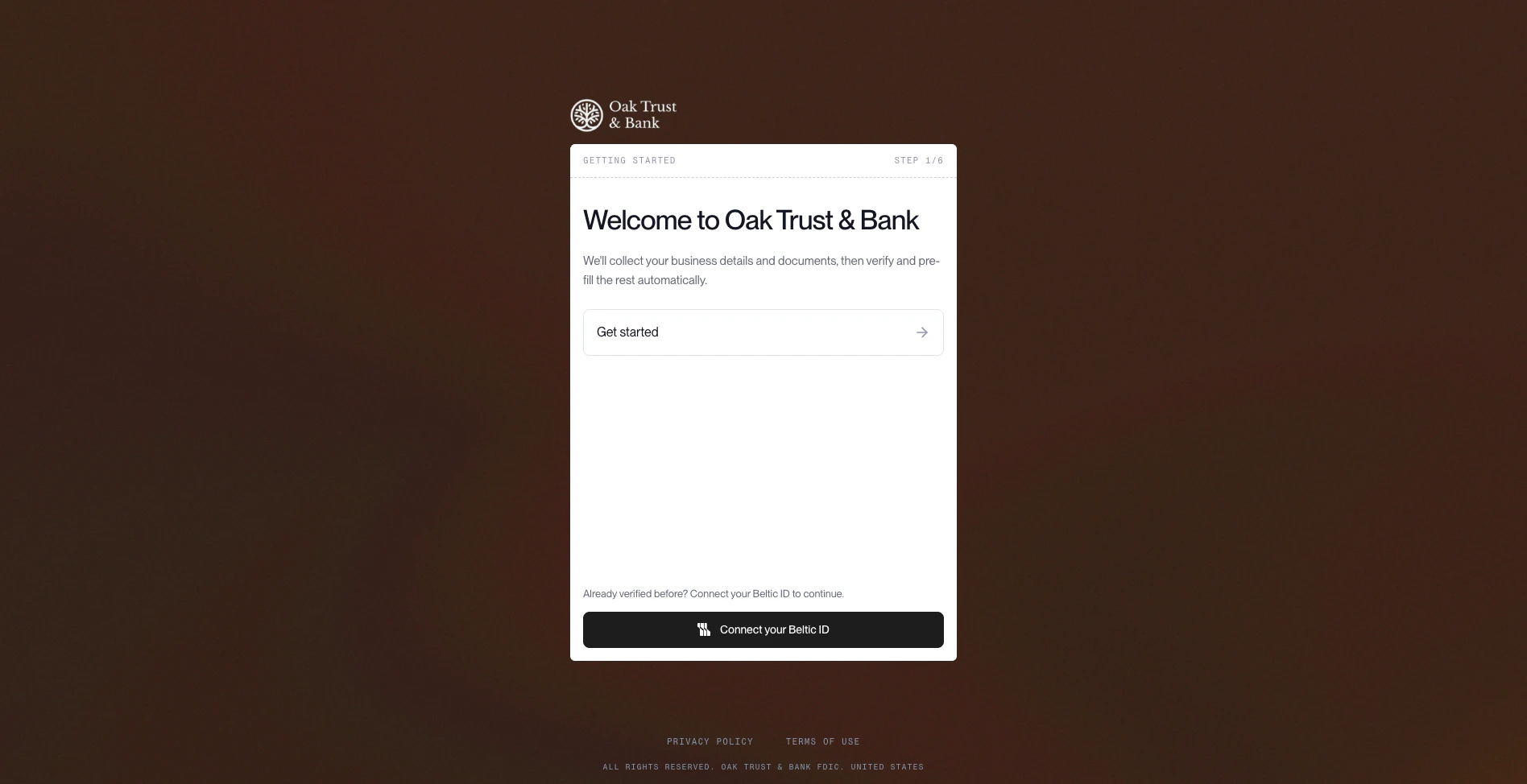
What your user sees
The user opens your app and signs up. They fill in their details, upload a document, and hit submit. They see a loading state. Seconds later they’re either in — or they see “we’re reviewing your application.” That’s it. Two outcomes, both handled by a single API call.What your backend does
The moment the user hits submit, your server callsPOST /v1/workflows/execute:
Replace
wf_kyc_standard with the ID of your own workflow. When setting up a workflow in the Console, you choose its name — that name becomes the workflowId you pass here.Outcome A: User approved immediately (200)
Beltic returns 200. The workflow completed. The document checked out, sanctions came back clear, all policies passed.
credential_id and signed_payload against the user record. Mark them as verified. Grant account access.
What the user sees: the loading state resolves, they’re in. Total time from submit to access: seconds.
The signed_payload is a signed JWT that carries the user’s verified claims. You’ll use it at every transaction from here.
Outcome B: Sent to sponsor bank review (202)
Beltic returns 202. The workflow hit a policy check it couldn’t resolve automatically — a jurisdiction that requires sponsor bank sign-off, a document edge case, a rule mismatch between your policy and your bank’s policy. The workflow has paused and is waiting on external input.
executionId. Mark the user as pending_review in your database.
What the user sees: “We’re reviewing your application — we’ll notify you once it’s approved.” They don’t know about the sponsor bank. They don’t need to.
Resuming after sponsor bank approval
Your bank reviews the user’s application out-of-band and sends you an approval. When that comes in, you resume the workflow by calling execute again with therunFromBlock parameter:
200 — same response shape as Outcome A.
Your backend: store the credential, mark the user as verified, grant access.
What the user sees: they get a push notification or email — “You’re approved.” They open the app and they’re in.
Part 2: Transaction Authorization
The user is onboarded. Now they initiate a payment — $250 to another wallet. This is not a re-verification. You already have the user’ssigned_payload from onboarding. You call verify with that credential and the transaction details. Beltic checks that the credential is still valid, still active, and that this specific transaction is within policy.
What your backend does
Response — transaction authorized
valid: true — credential is intact, not expired, not revoked. Let the payment through.
What the user sees: the payment goes through. They don’t know a verify call happened.
Response — transaction blocked
The Complete Picture
Related
Executing a Workflow
Full reference for POST /v1/workflows/execute — all request options, response shapes, and pause/resume details
Verifying a Credential
All context fields, policy evaluation, and every rejection reason code
Agent Authorization
Extend this to AI agents — cryptographic proof a verified human authorized an agentic transaction
Authentication
API keys, scopes, rate limits, and retry guidance